

- Resolution: 1920x1080px
- Format: GIF
- Duration: 5 sec
- Transparent Background
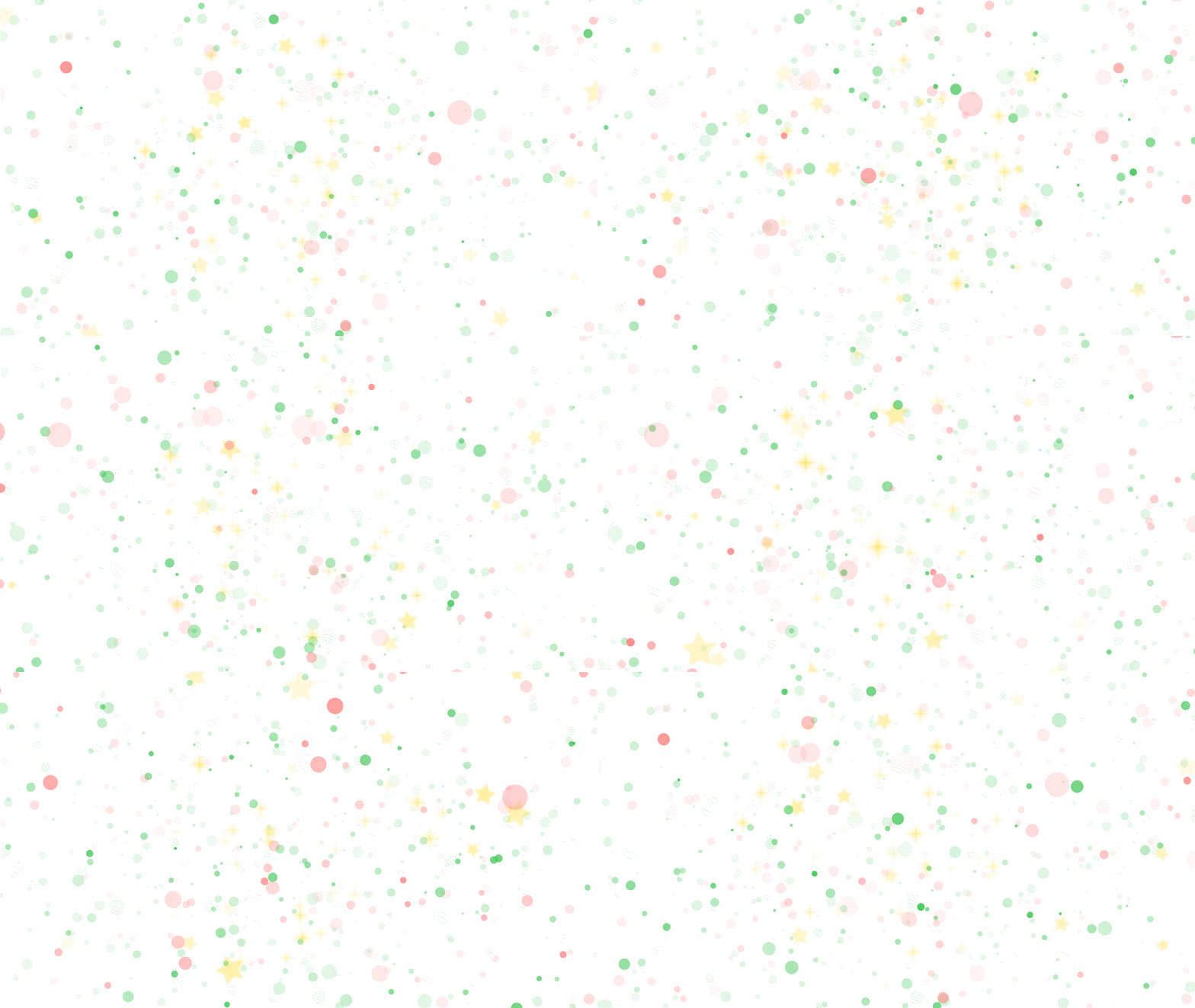
A festive animated GIF asset featuring sparkling red, green, and gold Christmas light particles and twinkling stars on a transparent background.
With its delicate glitter-like shimmer in Full HD (1920x1080px), you can simply drop this transparent animation over your videos and live streams to add a warm holiday atmosphere.

Sparkling red, green, and gold stars and light particles dance across the screen in this transparent Christmas GIF! Just drop it directly over your videos or OBS stream to bring instant holiday magic—hope you enjoy using it♪
Sponsored Link

Download
Q. Is this animated GIF free for Commercial Use?
A. Yes! It is 100% Royalty-Free for both personal and commercial projects, including monetized YouTube channels, Twitch streams, and websites.
Q. Is credit required?
A. Credit is optional. You can use it freely without attribution, though linking back to Sakusora Material is always appreciated!
Q. How do I download and use this transparent GIF?
A. Right-click (or long-press on mobile) the GIF image in the Download Asset section to save it directly to your device. Since it already has a transparent background, simply drag and drop it onto a track above your video in your editing software or OBS.
Sponsored Link